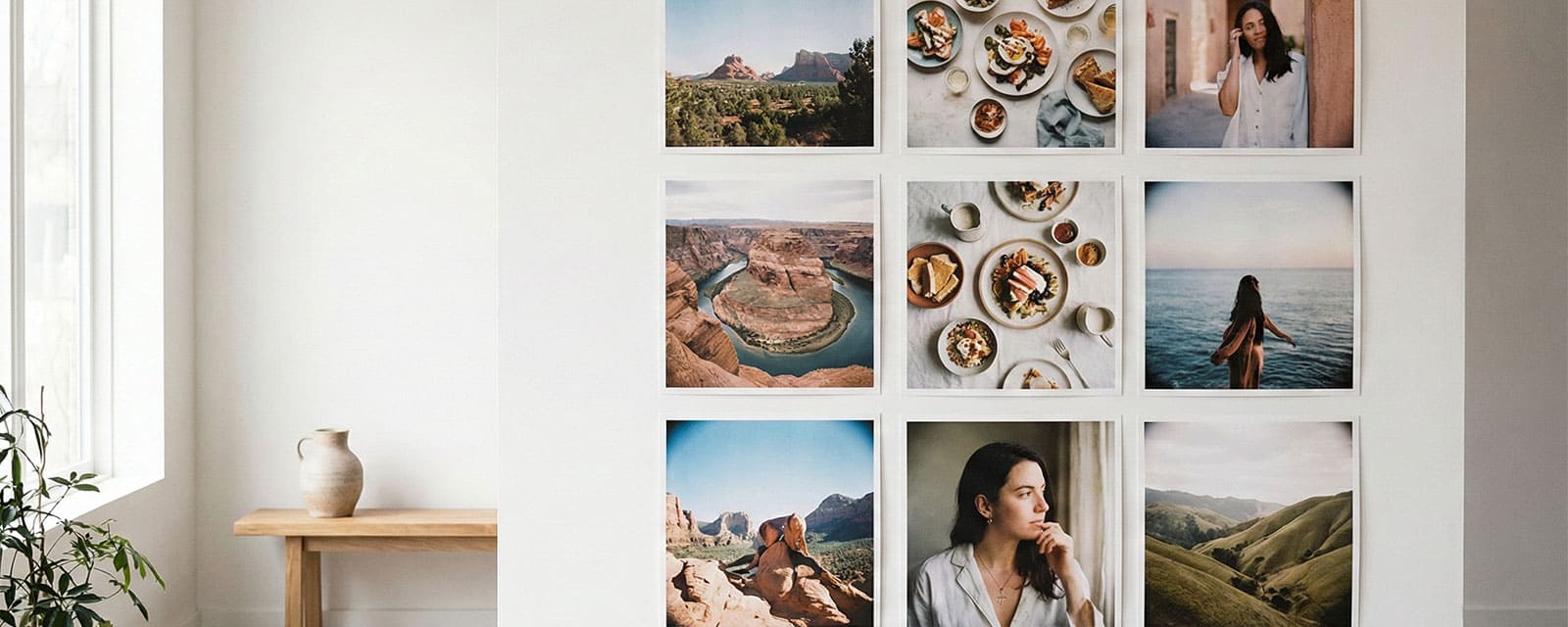
A perfectly aligned grid of 9 square photos mounted on a clean white wall

Square Prints: It's Hip to Be Square

The 1:1 aspect ratio isn't just a crop; it's a statement. Popularized by the original Polaroid cameras and cemented into culture by Instagram, the Square Print focuses the eye on the center of the frame, creating a balanced and symmetrical composition that standard rectangular photos simply can't match.

Whether you are printing your social media feed or curating a modern art wall, understanding the dimensions and layout possibilities of square prints is key to mastering this aesthetic.


Format Specifications

We typically see two main standards for square prints. Choosing the right size depends on your display space and the resolution of your original image.
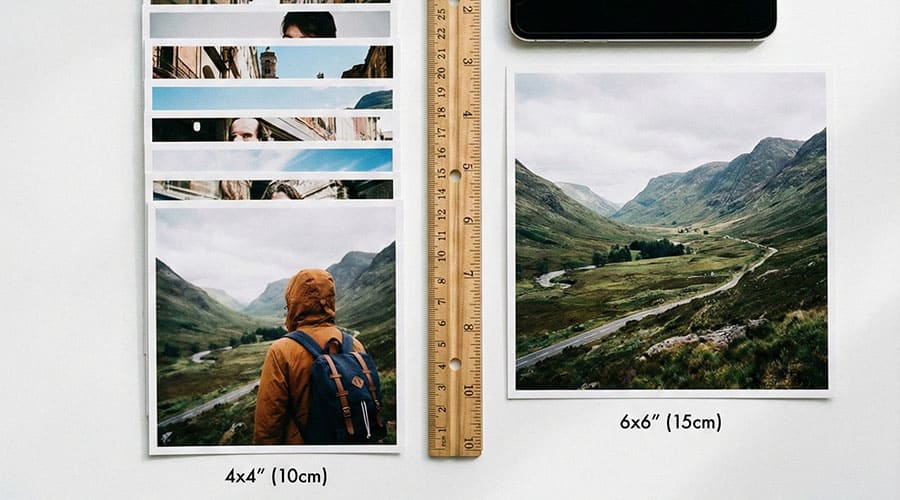
Classic Square (Standard)

  • Dimensions: 4" x 4" (10 x 10 cm)
  • Best Use: Grid walls, scrapbooks, Memory Boxes
  • Resolution Needed: Minimum 1200 x 1200 px
  • Vibe: Social media, candid, fun
Memory Boxes →

Big Square (Statement)

  • Dimensions: 6" x 6" (15 x 15 cm)
  • Best Use: Framed art, focal points, gallery walls
  • Resolution Needed: Minimum 1800 x 1800 px
  • Vibe: Fine art, portrait, landscape
Comparison of 4x4 and 6x6 inch square photo prints with ruler for scale

Mastering the Grid Layout

The true power of the square print lies in the Grid. Because all sides are equal, you can create seamless, modular displays that turn individual photos into a larger texture.

The 3x3 Instagram Grid

Recreate your profile feed on your wall. Arrange 9 photos in a perfect square. Keep the spacing tight (approx. 1 inch) for a cohesive look.

See Hanging Tools →

The Panoramic Split

Take one high-resolution landscape photo and split it into 3 or 4 square prints. When hung together with a small gap, it creates a modern window effect.

Compare to Wide Format →

The Color Block

Arrange prints by dominant color rather than chronology. Create a gradient wall from cool blues to warm oranges for a stunning visual impact.
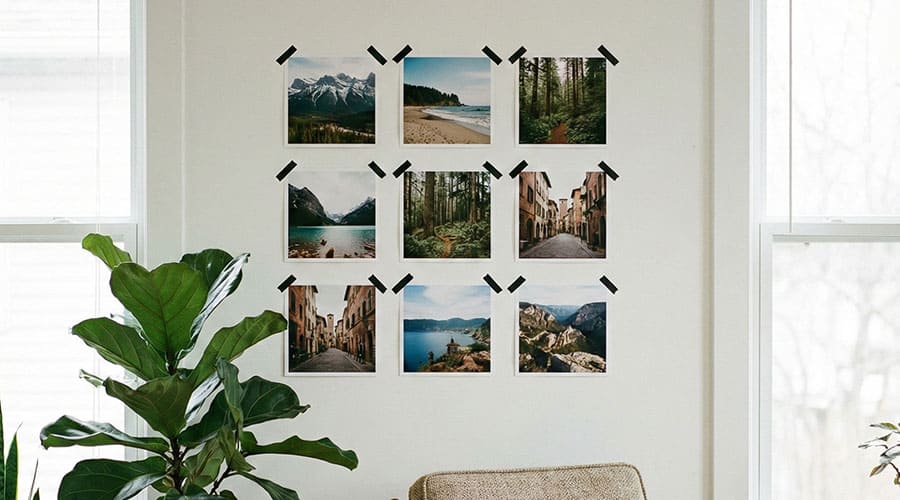
3x3 grid of square photos on living room wall with washi tape

Display & Storage Tips

  • No Crop Needed: If you shoot in "Square" mode on your phone, what you see is exactly what you get in print. No awkward cropping of heads or feet.
  • Washi Tape: Use colorful tape on the corners to mount your grid directly to the wall without frames. See our Pastel Aesthetics guide for color inspiration.
  • Albums: Standard 4x6 albums don't work well here. Look for albums specifically designed for "Instax Square" or 4x4 prints.

View Pastel Aesthetics →

Frequently Asked Questions

Why are square photos so popular?
The square format forces you to center your subject, removing unnecessary background distractions. This creates a bold, clean image that is instantly recognizable and aesthetically pleasing. It gained massive popularity through instant film and later, Instagram.
Can I print rectangular photos as squares?
Yes, but you will have to crop them. You can choose to crop the image (losing the sides) or print it "letterboxed" with white bars on the top/bottom or sides to fill the square shape without losing image data.
What is the difference between Matte and Glossy for square prints?
Glossy enhances contrast and color vibrancy, making it ideal for colorful travel or food photos. Matte (Luster) reduces glare and fingerprints, giving the photo a more artistic, fine-art feel, which is great for black and white or portrait photography. Read more in our Black & Mono Guide.
Do square prints fit in standard frames?
Not usually. Most standard frames are 4x6 or 5x7. For square prints, you will need specific 4x4 or 6x6 frames, or you can use a "float frame" where the photo sits between two sheets of glass.