Why Background Mess Belongs in Your Printed Albums
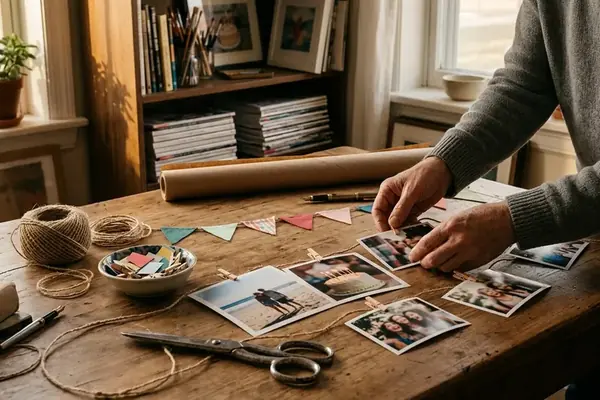
Documentary scrapbooking defines the practice of printing photographs with their original scene boundaries intact so the surrounding room becomes a permanent part of the family record. Tight cropping erases the temporal markers—appliances, toy piles, wallpaper, and tableware—that give a family album historical weight decades later. While a face-only crop preserves an immediate expression, the unedited camera frame records the physical environment surrounding a milestone alongside the subjects themselves.
To test how uncropped mobile photography functions in physical albums, memory keepers can select photographs from a single 7–14-day household period as a manageable selection window. Translating those visually dense files onto an album page requires three adjustments:
- Preserve full scene boundaries at print: A standard 4 × 6-inch print carries a 3:2 aspect ratio, whereas a typical 4:3 phone photograph cannot fill that rectangle without either cropping or geometric distortion. Selecting a fit-entire-image setting in the print lab interface preserves the outer boundaries by adding unused white space along the edges.
- Pair wide frames with index-style directional captions: Instead of summarizing emotions, use small text blocks to map where specific objects sit within the room.
- Balance busy prints against quiet cardstock: Combine one full-frame environmental photograph, a directional caption strip, and a plain cardstock backing to give the eye a resting zone.
Verify Print Borders: Beware of the 4:3-to-4×6 edge-loss trap, where a supposedly uncropped kitchen photograph still loses its ribbon rolls and countertop at the print-order stage. Choosing an instant-style border template does not guarantee an uncropped image; always inspect the active image area in the print preview separately from the decorative frame.
What Disappears When You Crop to the Smile
Why do vintage drugstore prints and decades-old instant snapshots hold a viewer's attention long after the subjects have grown? Many older consumer cameras relied on fixed-focus lenses. While fixed focus does not automatically create a wide angle of view, the combination of camera distance, lens coverage, and unedited optical framing ensured that bookshelves, rotary telephone cords, and carpet patterns survived behind the human subjects.
Consider an illustrative comparison between an original wide kitchen photograph and a duplicate cropped tightly to the subject's smiling face. When a user pinches and zooms on a smartphone screen before ordering prints, the crop severs observable spatial relationships, including the exact physical distance between the person, the kitchen counter, and the breakfast table. Each lost perimeter edge removes a specific layer of household material culture:
- The flour-dusted counter: Establishes the scale of the preparation space and the physical effort behind a homemade meal.
- Half-wrapped ribbon rolls: Records work in progress and the hurried atmosphere prior to a celebration.
- Mismatched ceramic mugs: Preserves the household's everyday tableware rather than curated formal china.
Physical preservation and documentary value operate on separate tracks during diy projects. Following the Library of Congress personal archiving guidelines for photographs—specifically the resource titled Care, Handling, and Storage of Photographs—ensures proper handling, suitable enclosures, and protection from damaging environments. An enclosure protects the physical print from deterioration, whereas the uncropped visual boundaries preserve the historical evidence of how the house actually looked.
Turning Background Clutter Into Story Captions
When a photograph includes a lived-in room, the accompanying journaling should shift from emotional commentary to an observational inventory. Give environmental framing priority for lived-in kitchens and milestone preparations, such as documenting homemade wedding inspiration spreads at the dining table, while retaining tight portraits for formal family headshots. Where motion blur or severe window glare makes the background unreadable, caption only the identifiable objects rather than inventing a background story.
Turn background clutter into archival field notes with these steps:
- Scan the frame diagonally: Inspect the printed photograph from the upper left corner to the lower right corner, selecting two or three background items with known household associations.
- Verify histories and dates: Cross-check object backstories and capture dates against family records before committing ink to paper. Record a genuinely uncertain date as a bounded estimate, such as "June–August 1998," only when supporting information justifies that range.
- Draft directional or inventory text: For an item with a verified history, write a location-led callout: "Top left: the thrifted toaster that only browned one side." When the history is unconfirmed, describe only what the image visibly shows through an adjacent inventory list matched to the exact item count: "On the table: recipe card, ribbon spool, three mismatched mugs."
- Test the ink and paper substrate: Select a pigment-based fine-liner pen with a 0.3–0.5 mm tip and a separate strip of matte, acid-free, lignin-free cardstock. Test the exact pen-and-paper combination on a scrap piece to check for feathering or smearing before writing the final strip.
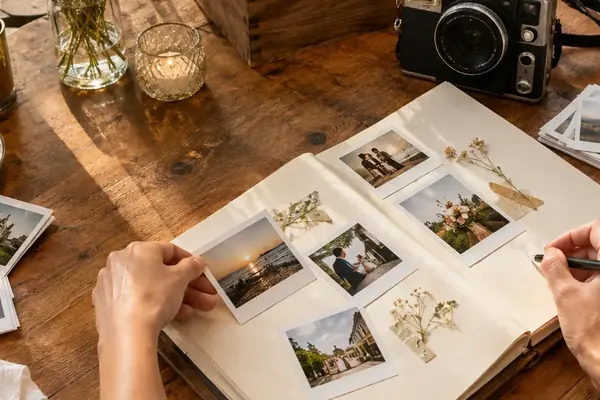
- Mount beside the print: Attach the completed caption strip next to the photograph rather than writing across the emulsion surface. Remember that pigment ink and an "archival" package label alone do not establish a decades-long lifespan without proper album storage.
Respect Image Limits: Keep the unreadable-window boundary in mind during captioning: a directional note can identify a visible recipe card on the table, but it cannot turn blown-out window glass or motion smear into documented household detail.
Designing Scrapbook Spreads Around Visually Busy Prints
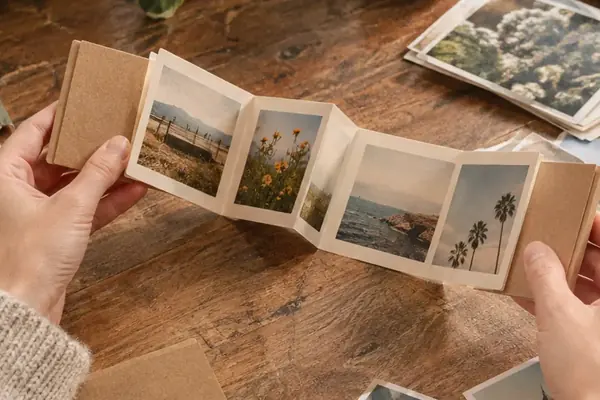
Visually dense photographs packed with countertop appliances and wall calendars clash when mounted against heavily patterned scrapbook papers, sticker borders, or layered die-cuts. High-detail retro photography is easier to read against plain surroundings.
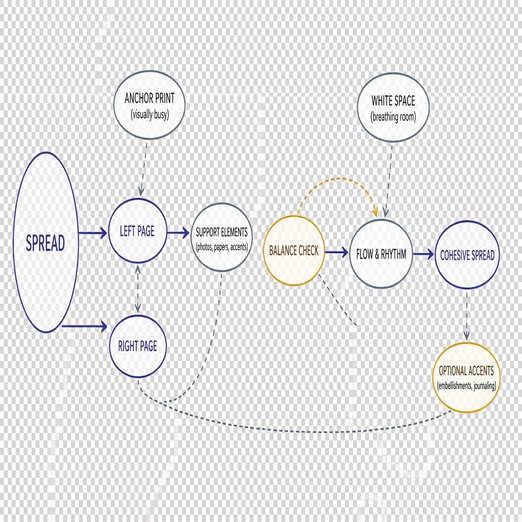
To prevent visual fatigue across two facing pages, builders can apply this layout designed for standard 12 × 12-inch albums:
- Select neutral, stable foundations: Begin with a plain cream or kraft-colored backing sheet. Always verify that the cardstock is certified acid-free and lignin-free, as kraft coloring and linen album covers are purely aesthetic choices rather than proof of chemical stability.
- Create a gallery mat border: Mount a 6 × 4-inch landscape print onto a 6.5 × 4.5-inch contrast backing piece to establish a uniform 0.25-inch border on all four sides.
- Center with wide margins: Position the matted 6 × 4-inch print horizontally on the 12 × 12-inch page, leaving 3 inches of quiet space on both the left and right sides before positioning the caption strip below.
- Pair macro and micro views: On the facing page, mount a close-up photograph of a single object visible inside the wider room scene—such as a handwritten recipe card—leaving generous unprinted backing paper visible around both print displays.
- Evaluate at scale: Lay all elements flat at their actual printed dimensions to check visual balance before applying archival adhesives.
Paper Finish Behavior Under Indoor Lighting
Choosing between matte, luster, and glossy paper alters how a viewer experiences a cluttered indoor scene under reading lamps. Matte paper generally produces less distracting surface reflection than glossy paper, while luster offers an intermediate surface treatment whose appearance varies by paper brand and ambient lighting. However, paper finish selection cannot recover blown digital highlights or alter the harsh overhead kitchen lighting recorded in the original file; evaluate paper finishes strictly for viewing glare and perceived physical texture.
Choosing Which Unedited Camera Roll Frames to Print Next
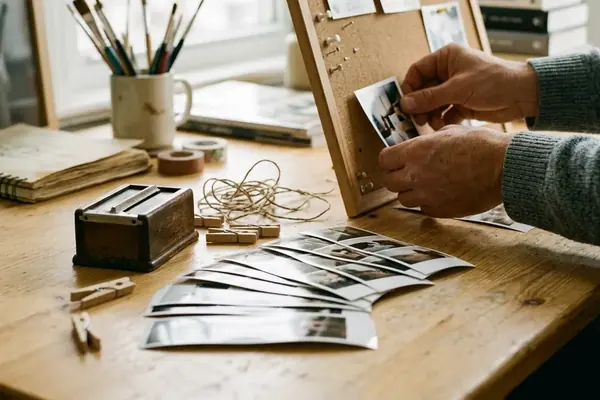
Preparing a print order requires auditing the phone camera roll in chronological capture order so the initial room-wide frame remains visible alongside later, tighter compositions. Photographers routinely take a wide test shot upon walking into a room before stepping closer to stage a portrait. Inspect the outer edges of that first wide capture, identify background details worth naming, and flag the untouched file for printing.
Keep the original capture and any cropped or color-adjusted version as separate files on the device. Relying on a reversible edit history inside a mobile gallery app is no substitute for verifying which exact file reaches the print service. Furthermore, always transmit the original-resolution image file rather than a phone screenshot, which reduces available image detail and introduces unwanted screen-interface overlays.
Resist the urge to run digital object-removal erasers over refrigerator magnets, plastic laundry baskets, or half-finished school projects sitting on the table. Those exact background obstacles document daily household routines and distinct stages of family life. Once the unedited files are uploaded, confirm the full-image boundary setting individually for every print size in the shopping cart, as switching aspect ratios mid-order alters the automated crop preview. Turning a fifty-year storytelling horizon into a reality starts with a single curation choice right now: when you open your next print order fifty years from now, will you want to see a floating face against a blurred wall, or the exact kitchen table where your family actually lived?